
WhatsApp Business Automation: From Sending Replies to Completing Tasks
A guest messages a villa rental business in Dubai: “Is the two-bedroom villa available this Friday?” An auto-reply can acknowledge the enquiry. A connected WhatsApp workflow can check live availability. An AI agent with access to the booking system can understand the request, offer available dates, and create the reservation after the guest confirms.
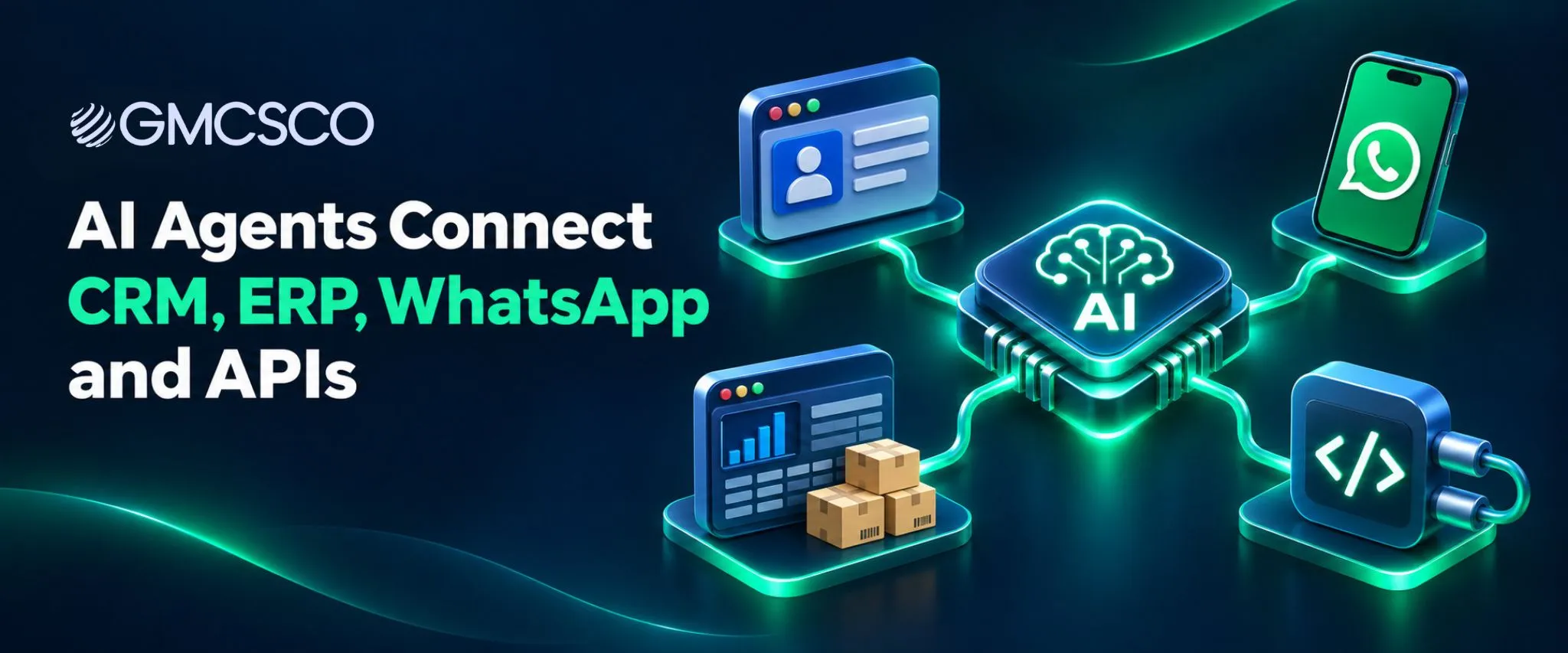
WhatsApp Business automation is moving from sending replies to completing tasks. Businesses can already connect WhatsApp to a CRM, booking platform, or order system to assign leads, confirm appointments, and send status updates. The decision for businesses in Saudi Arabia, the UAE, and India is which actions to automate first, which systems to connect, and when a person should take over.
Not sure which task to automate first? Tell us what your team repeats most on WhatsApp and we’ll map it out.
What is WhatsApp Business automation?
WhatsApp Business automation uses rules, workflows, or AI to handle customer interactions on WhatsApp. It can answer routine questions, collect enquiry details, update a CRM, book an appointment, or send a notification when a business system records a change.
These levels can work together. Use rules for predictable events, AI for conversations that vary, and approvals for actions that require business judgment.
What can businesses automate on WhatsApp today?
WhatsApp Flows supports structured interactions such as appointment requests. In June 2026, Meta also announced Meta Business Agent and the Business Agent Platform. These developments show where WhatsApp automation is heading. For your own implementation, confirm which features your account and provider support, and which actions need a separate integration.
Qualify leads and assign them to the right team
A WhatsApp workflow can collect the service requested, city, budget range, and timeline. It can look up the customer in the CRM, create or update the relevant record, and assign an owner based on language, location, or service. The salesperson receives a summary and a follow-up task — see how a WhatsApp enquiry becomes a CRM record.
Check live availability and confirm bookings
A connected workflow can retrieve open slots, present options, and submit the booking after the customer chooses. Check availability again before submitting, especially when several customers can request the same slot. Send confirmation once the booking system returns a reservation ID. If the slot has been taken, offer alternatives.
Send notifications based on real events
A booking, shipment, or service request can trigger a WhatsApp update when its status changes. For example, when an order is marked ready for pickup, the workflow can send the pickup location and hours. For outbound messages, check the applicable opt-in requirements and use an approved template when required outside the customer service window under the WhatsApp Business Messaging Policy.
Hand exceptions to a person
Give customers a clear way to speak to someone. When a customer requests a refund, raises a complaint, or needs a custom quote, share the conversation summary and any completed actions with the assigned team. Pause automated replies while the person handles the conversation so the customer receives one consistent response.
Want a second opinion on which of these four to build first for your business? Let’s walk through it live.
How WhatsApp automation could evolve from 2026 to 2030
The 2027–2030 outlook below is a planning forecast. Timing will depend on platform capabilities, integration quality, and how much control businesses are comfortable delegating.
The most important change is that each completed action can be verified in the system that owns the record. A booking has a reference number. An assigned lead has an owner. A shipment update reflects the latest recorded status. That gives businesses a way to check reliability as they automate more steps.
Practical examples for Saudi Arabia, the UAE, and India
How to choose the first workflow and measure ROI
Start with a task your team handles repeatedly and can verify easily. Lead assignment is a good candidate when enquiries sit unclaimed. Booking automation suits businesses with live availability. Status notifications suit teams spending time answering repeated order or shipment questions.
Before launch, define which system holds the correct record, what details are required, what counts as success, and who takes over when an action fails. Test duplicate messages, missing information, unavailable systems, and customer requests to speak to a person.
Compare the pilot with your current process using metrics tied to the workflow:
For financial ROI, compare documented staff-time savings and any measurable increase in gross profit with setup, messaging, software, and support costs. Use comparable periods or a pilot group before attributing a sales increase to automation.
Want help setting up the pilot and the metrics to track it with? Our AI agent development team can scope it with you.
Frequently asked questions
Can I automate WhatsApp using the Business app, or do I need the API?
The WhatsApp Business app can cover basic needs such as greetings, away messages, and saved quick replies. If you want WhatsApp messages to trigger CRM updates, check live availability, or route enquiries across teams, evaluate a WhatsApp Business Platform setup and a connector that supports those specific actions. Start by listing what your team needs the system to read or update.
What is the difference between a WhatsApp chatbot and an AI agent?
A rule-based chatbot guides users through predefined menus or questions. An AI agent can interpret a free-form request and, with the right permissions, act on it. For example, a chatbot can ask which date a customer prefers. A connected agent can understand “move my booking to next Friday,” check availability, and complete the change after the customer confirms.
Can WhatsApp automation update my existing CRM?
Yes, if your CRM and integration support the records and actions you need. A workflow can create or update a contact, log an enquiry, assign a salesperson, or change a deal stage. Before choosing a connector, test contact matching and repeat messages so a returning customer’s enquiry updates the correct record without creating duplicates.
Can a WhatsApp AI agent book, reschedule, or cancel appointments?
Yes, when it has access to the booking system and permission for the requested action. The workflow should identify the correct booking, confirm the customer’s choice, and send confirmation after the system accepts the change. If cancellation involves a fee, refund, or exception, route the decision to an authorised team member.
Can WhatsApp send automatic reminders, order updates, and follow-ups?
Yes. The workflow can trigger messages from events such as an upcoming appointment, a shipment status change, or a recorded quote. Outside the 24-hour customer service window after the customer’s last message, the WhatsApp Business Platform requires an approved message template. For business-initiated messaging, verify that your workflow has the required opt-in and respects opt-outs.
Can one WhatsApp workflow handle Arabic, English, and Indian languages?
Yes, if the selected chatbot or AI model supports the languages you need. Test everyday customer messages, including dialects, spelling variations, and language switching. Use human-reviewed templates for confirmations and hand off unclear requests with the customer’s preferred language recorded.
What happens if the AI misunderstands the customer or the API fails?
If the request is ambiguous, the system should ask a short clarification question. If the API times out, check whether the action already succeeded before retrying to prevent duplicate bookings or CRM records. Give staff an exception queue with the original request and action status, and tell the customer when confirmation is still pending.
How do we control what a WhatsApp AI agent is allowed to do?
Give the agent access only to the data and actions needed for its job. A booking agent may be able to read availability and create reservations, while refund approvals stay with staff. Require customer confirmation for key changes, keep a log of completed actions, and give your team a way to pause the workflow and take over.
How much does WhatsApp Business automation cost?
Cost depends on the number of workflows, message volumes, platform or provider charges, CRM or booking integrations, AI usage, and ongoing support. Ask for a quote that lists one-time setup, recurring charges, and usage-based fees separately. Share your monthly enquiry volume and one sample workflow so the estimate reflects your actual requirements.
How long does implementation take, and when can we measure ROI?
A basic workflow with an existing connector typically has fewer setup steps than a custom integration that writes to multiple systems. The timeline depends on account readiness, API access, templates, language testing, and approval rules. You can measure operational improvements during the pilot. For revenue ROI, allow enough time for leads to move through your normal sales cycle.
Book a WhatsApp Automation Consultation
GMCSCO Media Group helps businesses in Saudi Arabia, the UAE, and India connect WhatsApp Business API with CRMs, booking systems, and customer support workflows. Share the task your team repeats most often, the system you use today, and your approximate monthly enquiry volume. We’ll help you identify the right starting workflow and decide how to measure the result.
This article is for general informational purposes and does not constitute legal, financial, or compliance advice. WhatsApp Business Platform policies, message template categories, the 24-hour customer service window, and third-party platform features (including Meta Business Agent) are set by Meta and may change — confirm current requirements with your provider before building automated workflows. The 2027-2030 outlook is a planning forecast, not a guarantee.