Meta Ads Agency Saudi Arabia: Precision Targeting
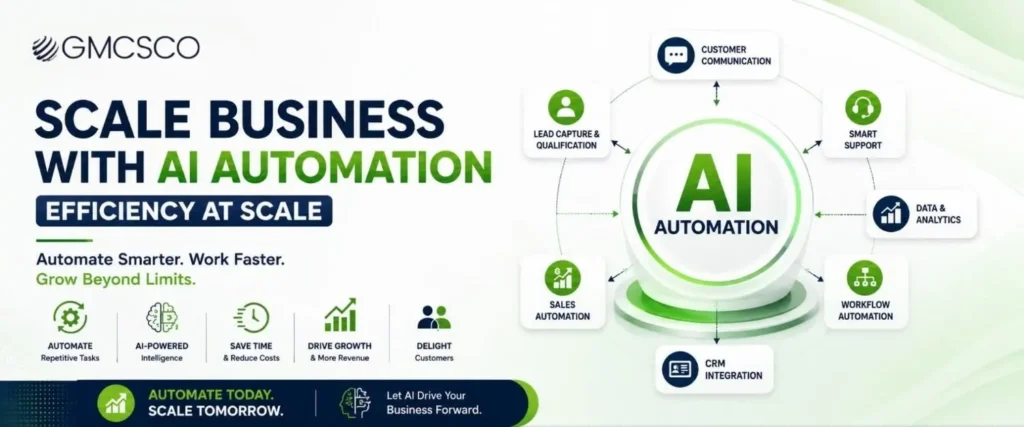
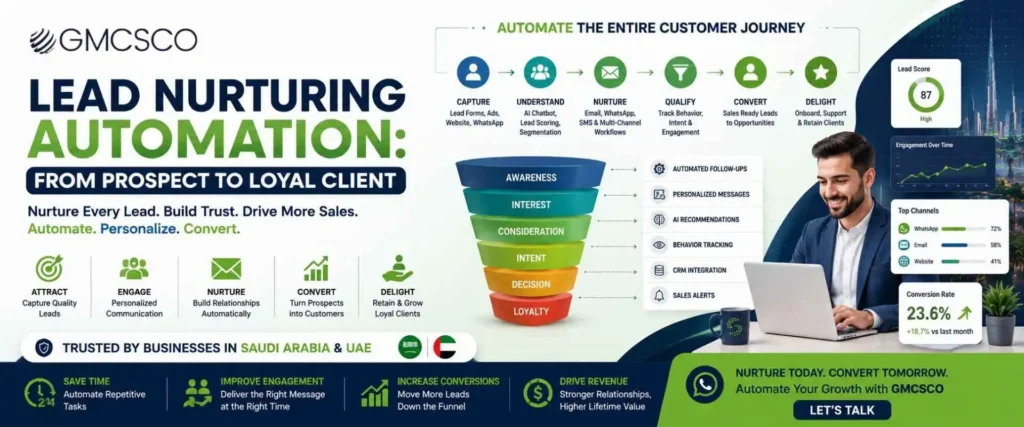
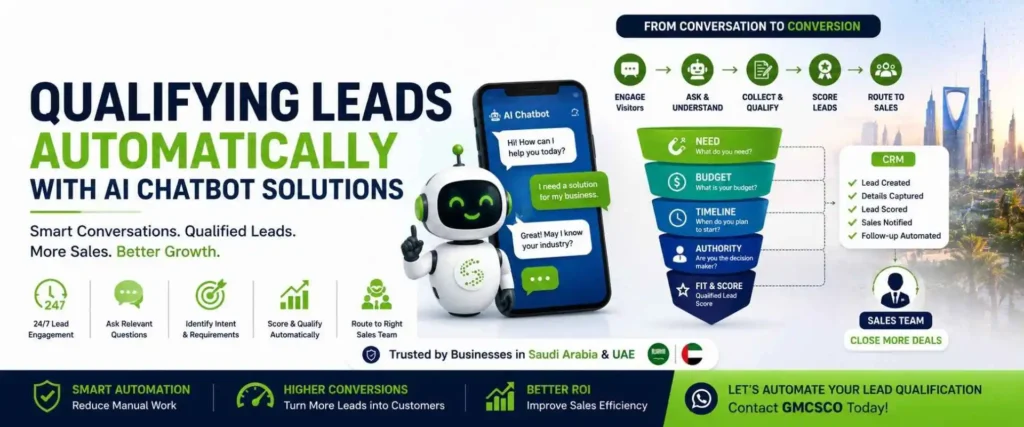
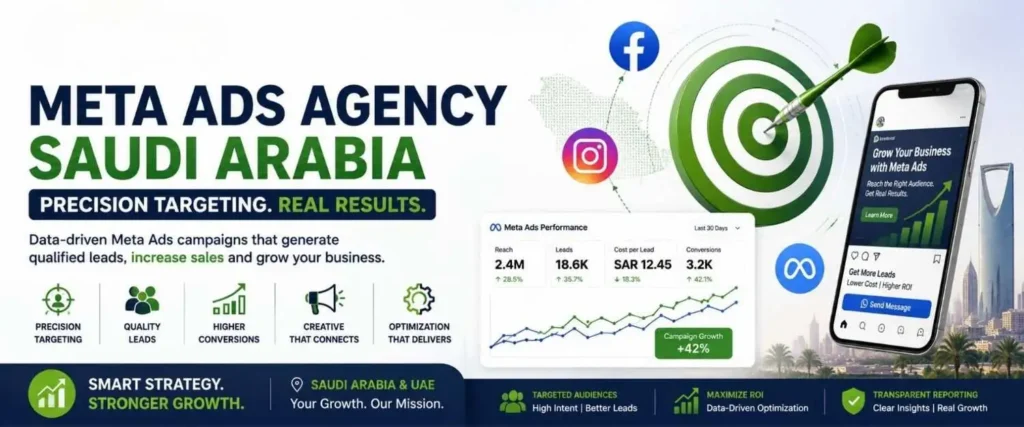
📱 Meta Ads — Saudi Arabia 2026 Meta Ads Agency in Saudi Arabia: The Complete Guide to Qualified Leads & Measurable Growth Why reach isn’t the same as results — and how to build Facebook and Instagram campaigns that connect straight through to revenue. 17.5MPotential Facebook ad reach (Saudi) 18.2MPotential Instagram ad reach (Saudi) 99%Saudi internet penetration (2025) Quick Answer A Meta Ads agency in Saudi Arabia helps businesses plan, launch, manage, and optimize advertising campaigns across Meta platforms such as Facebook and Instagram. A professional agency does more than create advertisements — it connects Audience research → Campaign strategy → Creative → Targeting → Landing page → Lead capture → CRM → Follow up → Conversion tracking → Optimization. The objective isn’t simply to generate impressions or clicks — it’s to generate qualified leads, sales, and measurable business growth. DataReportal’s latest Saudi Arabia report (data through end of 2025) indicates potential Facebook ad reach of about 17.5 million people and Instagram ad reach of about 18.2 million people — advertising reach estimates, not monthly active user counts. For businesses targeting Saudi Arabia and the UAE, this makes Meta advertising potentially valuable when campaigns are built around commercial intent, strong creative, accurate tracking, and continuous optimization. Running Meta Ads Is Easy. Running Them Profitably Is Different. Almost any business can open Meta Ads Manager, choose an audience, upload an image, and launch a campaign — but that doesn’t automatically produce qualified customers. A campaign can generate thousands of impressions, hundreds of clicks, many messages, and still generate very few genuine business opportunities. Successful paid advertising isn’t simply about reaching people — it’s about reaching the right people with the right message at the right stage of their buying journey. A performance-focused approach considers the entire journey: Who should see the advertisement? What problem should it address? What creative captures attention? What offer encourages action? Where does the customer go next? How is the lead captured? How quickly is it contacted? How does the campaign know which leads became customers? When these elements work together, Meta advertising becomes a business acquisition system rather than simply a social media promotion channel. What Is a Meta Ads Agency? A marketing partner managing paid advertising campaigns across Facebook, Instagram, Messenger, and other Meta placements. A professional agency may handle market research, audience strategy, campaign architecture, creative strategy, ad copy, lead generation, conversion campaigns, retargeting, tracking, landing page recommendations, CRM integration, performance reporting, and campaign optimization. An experienced agency shouldn’t treat advertising as a one-time activity — it should operate as a continuous process: Launch → Measure → Learn → Optimize → Scale. Why Meta Advertising Matters in Saudi Arabia DataReportal reported 34.4 million internet users in Saudi Arabia at the end of 2025, with internet penetration at approximately 99%, and 38.6 million social media user identities (which can exceed population totals due to how identities and platform data are measured). Instagram’s potential advertising reach in Saudi Arabia increased by approximately 13.8% between October 2024 and October 2025. This creates opportunities across real estate, healthcare, ecommerce, education, hospitality, travel, automotive, professional services, technology, financial services, and B2B — but a large digital audience doesn’t guarantee campaign success. The real opportunity lies in precision targeting and conversion optimization. What Is Precision Targeting in Meta Ads? Instead of asking “how many people can we reach?”, a performance-focused advertiser asks “which audience has the highest probability of taking the business action we want?” That action could be submitting a lead form, starting a WhatsApp conversation, booking a consultation, calling the business, purchasing a product, registering for an event, requesting a quotation, or visiting a physical location. The targeting strategy should begin with the business objective, not the advertising platform. How a Saudi Meta Ads Campaign Should Be Structured Layer 1: Market Saudi Arabia — specific cities or regions where appropriate. Layer 2: Audience Demographics, interests, behavior, customer lists, lookalikes. Layer 3: Intent Cold prospects, engaged prospects, high intent, existing customers. Layer 4: Creative Video, Reels, static images, carousel, testimonials. Layer 5: Conversion Lead form, website, WhatsApp, phone call, booking. Layer 6: Measurement Lead, qualified lead, appointment, sale, revenue. Saudi Arabia Audience Targeting Saudi Arabia shouldn’t always be treated as one homogeneous audience — a business may need to consider: Riyadh Jeddah Dammam Khobar Makkah Madinah Abha A real estate company selling premium properties in Riyadh may require a very different campaign structure from an ecommerce brand delivering products across the Kingdom. The correct targeting depends on product, price, customer profile, sales cycle, geographic coverage, buying intent, and conversion mechanism. Arabic and English Meta Advertising Saudi Arabia is a multilingual commercial environment. Businesses may benefit from testing both Arabic and English creative rather than assuming one language will always perform better. For Arabic campaigns, the message should feel naturally written for the audience — simply translating an English advertisement word-for-word can produce a technically correct sentence but a weak marketing message. A strong localization strategy considers language, cultural context, offer, visual communication, customer expectations, and call to action. 💬 Want Better Qualified Leads From Meta Ads? GMCSCO helps businesses in Saudi Arabia and the UAE build Meta Ads campaigns around lead generation, conversion tracking, creative testing, and measurable business outcomes — from advertisement to qualified opportunity. 💬 Chat on WhatsApp: +91 95133 51353 Meta Ads for Lead Generation Meta Ad → Landing/Form → CRM → Follow Up → Qualification → Customer The campaign should be evaluated beyond cost per lead — a cheap lead that never answers the phone has little value; a slightly more expensive lead that becomes a paying customer can be much more valuable. Cost Per Lead Is Not the Only KPI Campaign A Cost per lead: SAR 20 — 100 leads, only 2 qualified. Campaign B Cost per lead: SAR 50 — 100 leads, 25 qualified. Actually far more valuable. GMCSCO’s approach focuses on cost per qualified lead, lead-to-appointment rate, appointment-to-customer rate, customer acquisition cost, and revenue generated — not simply maximizing lead volume.
Meta Ads Agency Saudi Arabia: Precision Targeting Read More »